Microsoft 365 Personal Price Breakdown and Proven Ways to Save Money
As of 2026, the official price for Microsoft 365 Personal is $99.99 per year (or $9.99 per month). This subscription provides one user with premium desktop applications (Word, Excel, PowerPoint), 1 TB of OneDrive cloud storage, advanced security features, and integrated Microsoft Copilot AI capabilities. By purchasing annual product keys from third-party retailers during sales, users can frequently reduce this cost to roughly $69.99 per year.
Navigating software subscriptions can feel like a maze of hidden fees and confusing tiers. If you are evaluating the current Microsoft 365 Personal price, you are likely weighing the recurring annual cost against the necessity of cloud storage and reliable desktop applications.
In recent months, Microsoft has adjusted its pricing structure, largely driven by the integration of artificial intelligence tools into its core productivity suite. This article breaks down the exact costs, analyzes the feature gaps between free and paid versions, and details advanced strategies—like subscription stacking and retention offers—to help you secure a highly competitive rate.
What Is the Official Price of Microsoft 365 Personal?
When purchasing directly from the official Microsoft Store, the pricing structure for the Personal tier is straightforward but requires a choice between billing cycles:
- Annual Billing: $99.99 per year
- Monthly Billing: $9.99 per month (totaling roughly $119.88 annually)
Opting for the annual payment provides an immediate savings of about $20 over the course of twelve months. However, many long-time users have noticed that this $99.99 price point is higher than the historical $69.99 rate they may have paid in previous years.
Image source: Microsoft
The Copilot Factor
The primary driver behind the recent price adjustment is the inclusion of Microsoft Copilot. The Personal plan now integrates AI assistance directly into Word, Excel, PowerPoint, and Outlook. This allows users to generate text, summarize long email threads, and analyze spreadsheet data using natural language prompts. While this is a significant advancement in productivity software, it means users are now paying a premium for AI capabilities, regardless of whether they actively use them.
Regional Pricing Variations
It is important to note that Microsoft adjusts its pricing based on local currencies and market conditions. In some regions outside of North America, the "Classic" tier—which excludes Copilot features—may still be available at a lower equivalent price point. Always check your localized Microsoft Store page to confirm the exact rates applicable to your billing address.
Is the Microsoft 365 Personal Subscription Worth the Money?
Determining if the $99.99 annual fee offers strong value depends entirely on how you utilize the included services. For many users, the subscription pays for itself through cloud storage alone, while others rely heavily on the advanced capabilities of the desktop applications.
The 1 TB OneDrive Value Proposition
Microsoft 365 Personal includes 1 TB (1,000 GB) of OneDrive cloud storage. To put this into perspective, purchasing 2 TB of standalone cloud storage from competitors like Google One or Apple iCloud typically costs around $9.99 per month. With Microsoft, you are paying a similar rate for substantial storage, but gaining a full suite of industry-standard productivity software in the process. Furthermore, OneDrive includes built-in ransomware detection and recovery, allowing you to restore your entire cloud drive to a previous point in time if your files are compromised.
The "25% Feature Reality" of Free Web Apps
Microsoft offers free web-based versions of Word, Excel, and PowerPoint. This leads many users to question why they should pay for a subscription at all. According to Microsoft's own documentation and community experts, the free web apps are highly streamlined. Power users often refer to this as the "25% Feature Reality"—meaning the web versions only contain a fraction of the tools found in the desktop counterparts.
- What You Lose in the Free Web Versions:
- Excel Limitations: No support for advanced Macros (VBA), limited Power Query functionality, and restricted Pivot Table depth.
- Word Limitations: No advanced Mail Merge capabilities, limited citation and bibliography management, and fewer formatting controls for complex documents.
- Offline Access: Free web apps require a constant internet connection. If your Wi-Fi drops, you cannot edit your documents.
If your workflow requires complex data analysis or professional document formatting, the paid desktop applications included in the Personal plan are highly recommended.
How to Save Money with Subscription Stacking
If you want to avoid paying the full $99.99 MSRP, one of the most effective strategies is "Subscription Stacking." Microsoft's billing system allows users to prepay and stack up to five years of service on a single account.
Instead of allowing Microsoft to auto-renew your account at full price, you can purchase 12-month digital product keys from third-party retailers. Retailers frequently discount these keys during major shopping events (like Black Friday, Amazon Prime Day, or back-to-school sales), dropping the price to between $59.99 and $69.99.
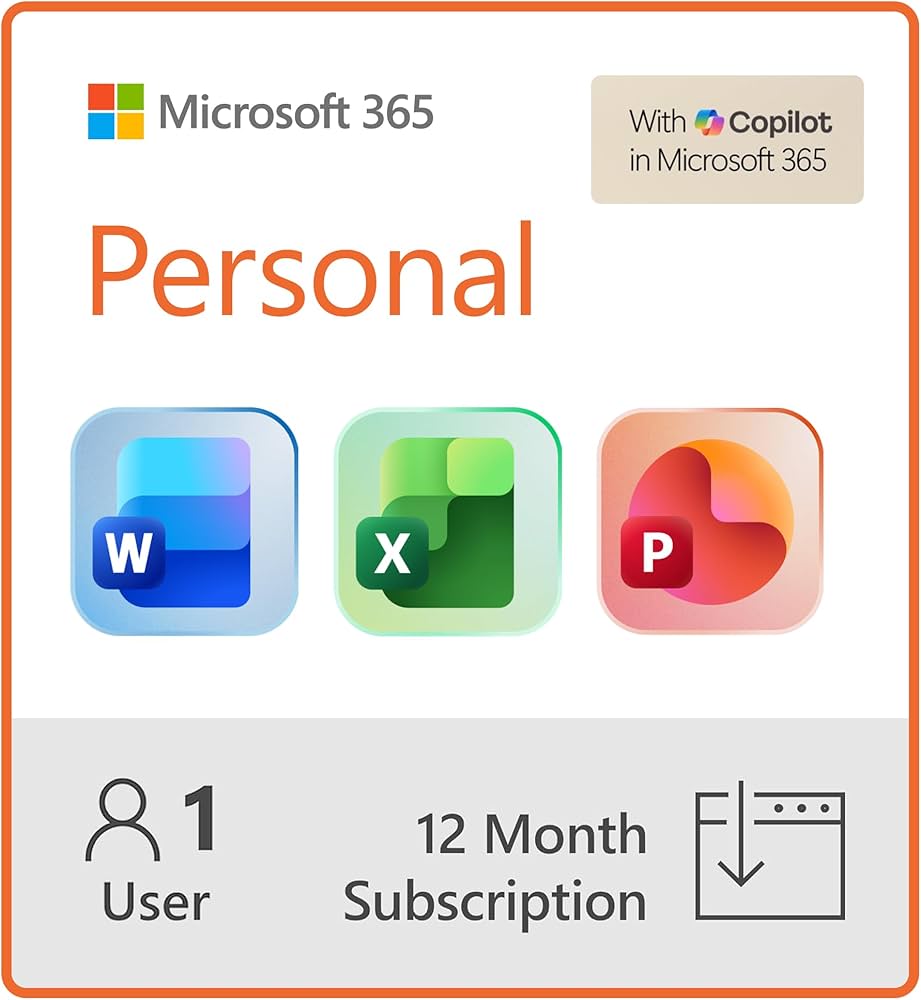
Image source: Amazon.com
The 5-Year Strategy Math
If you purchase five keys at a discounted rate of $69.99, your total upfront cost is $349.95. If you were to pay the standard $99.99 auto-renewal rate over those same five years, you would spend $499.95. By stacking, you lock in half a decade of service while saving $150, effectively protecting yourself against any future price hikes Microsoft might introduce.
The Hidden Classic Price Reversion Hack
For users who are already subscribed but are facing a price increase upon renewal, community forums have documented a retention strategy that sometimes triggers a lower rate. This is often referred to as the "Classic Price Reversion Hack."
When you navigate through your Microsoft Account dashboard to cancel your auto-renewal, the system's retention algorithm may attempt to keep you as a customer by offering an alternative tier. Some users report being offered a "Microsoft 365 Classic" plan. This tier strips away the newly added Copilot AI features but allows you to maintain your 1 TB of storage and desktop applications at the legacy price of $69.99 per year.
Note: This retention offer is not guaranteed. It appears to be dynamically generated based on regional availability, account history, and current Microsoft promotional algorithms. However, navigating to the cancellation screen to check for this offer carries no risk, as you can simply abort the cancellation process if the offer does not appear.
Why the Family Plan Might Be Cheaper for a Single User
It sounds counterintuitive, but depending on your digital footprint, the Microsoft 365 Family plan might offer better value than the Personal plan, even if you live alone. To understand why, we have to look at the official plan comparison.
The Family plan costs $129.99 per year and covers up to six people. Each of those six people receives their own private 1 TB OneDrive vault, meaning the plan provides 6 TB of total storage.
The "Two-Account" Solo Strategy
Many freelance professionals, photographers, and content creators require more than 1 TB of cloud storage. Upgrading a Personal account's storage beyond 1 TB can be prohibitively expensive. Instead, a single user can purchase the Family plan for $129.99 and "invite" a second Microsoft account that they also own.
- Account A (Primary): Used for daily workflow, email, and active projects (1 TB).
- Account B (Secondary): Used purely as a cold-storage archive for raw photos, old videos, and completed client work (1 TB).
By spending just $30 more per year than the Personal plan, you effectively double your storage capacity while keeping your active workspace uncluttered. The only caveat is that Copilot AI features included in the Family plan are generally restricted to the primary subscription owner and may not extend to the secondary accounts.
Microsoft 365 Personal vs. Office 2024 One-Time Purchase
If you despise the subscription model entirely, Microsoft still offers a perpetual license: Office Home 2024. This is a one-time purchase, typically priced around $149.99, which grants you a license to use Word, Excel, and PowerPoint on a single PC or Mac for the lifecycle of the software.
| Feature | Microsoft 365 Personal ($99/yr) | Office 2024 ($149 One-Time) |
|---|---|---|
| Desktop Apps | Yes (Always updated) | Yes (Locked to 2024 features) |
| Cloud Storage | 1 TB OneDrive | None (5 GB Free tier only) |
| Device Limit | 5 simultaneous sign-ins | 1 PC or Mac only |
| AI Features | Copilot Included | Not Included |
| Mobile Apps | Full premium features | Basic viewing only |
The October 2026 Deadline
If you are considering a one-time purchase, ensure you are buying Office 2024 and not the older Office 2021 version. Microsoft has announced that Office 2021 will reach its End of Life (EOL) in October 2026. After this date, it will no longer receive security updates, leaving your system vulnerable. Office 2024 is the only viable option for users seeking a secure, long-term perpetual license today.
Ultimately, the one-time purchase is a strong contender for users who strictly work offline, do not need cloud storage, and only use one computer. For everyone else, the lack of OneDrive and multi-device support makes the subscription model a more practical choice.
How to Avoid Setup Headaches with Retailer Keys
While buying discounted keys from third-party retailers is a top strategy for saving money, it can occasionally lead to frustrating setup loops. A common issue reported by users purchasing digital downloads from Amazon is the "Manage Licenses" error.
When you purchase a key, the retailer links it to your Microsoft account. However, users often log into Office.com, attempt to download the software, and are met with an error stating they do not have an active subscription. This happens because the license has been purchased but not yet assigned.
- Steps to Resolve the "Assign to Me" Loop:
- Step 1: Log into your Microsoft Account dashboard and navigate to "Services & subscriptions."
- Step 2: Locate your newly purchased Microsoft 365 Personal entry. It may have a yellow warning icon next to it.
- Step 3: Click the "Manage" button next to the subscription.
- Step 4: Look for a prompt that says "Assign license" or "Turn on recurring billing." Microsoft often requires you to enable auto-renewal (which requires a credit card on file) before the third-party key fully activates. You can immediately turn auto-renewal back off after the software downloads.
Taking five minutes to verify your license assignment in the Microsoft dashboard can save you hours of troubleshooting uncooperative desktop applications.
Frequently Asked Questions
Can I use Microsoft 365 Personal on more than one computer?
Yes. While the Personal plan is restricted to one user account, that single user can install the software on an unlimited number of devices (Windows, Mac, iOS, Android) and remain signed into five devices simultaneously. If you attempt to sign into a sixth device, Microsoft will prompt you to sign out of one of the others.
What happens to my files if I stop paying for my subscription?
If your subscription expires, your account enters a grace period. Your desktop applications will eventually drop into "read-only" mode, meaning you can view and print documents but cannot edit them. Your OneDrive storage will revert to the free 5 GB limit. If your stored files exceed 5 GB, your OneDrive will be frozen; you can download your files to a local hard drive, but you cannot upload new files until you renew or clear space.
What is the difference between Microsoft 365 Basic and Personal?
Microsoft 365 Basic costs $1.99 per month and is primarily a storage and email upgrade. It provides 100 GB of OneDrive storage and an ad-free Outlook experience. However, it does not include the premium desktop applications (Word, Excel, PowerPoint); Basic users must rely on the free web-based versions of these apps.
Is there a student discount for Microsoft 365 Personal?
Microsoft generally directs students toward the Office 365 Education tier, which is completely free for eligible students and educators at participating institutions. If your school does not participate, Microsoft occasionally offers a specific "Personal for Students" discounted rate, typically requiring verification through a valid .edu email address during checkout.
Does Microsoft 365 Personal include Publisher and Access?
Yes, but with a major caveat: Microsoft Publisher and Microsoft Access are available for Windows PCs only. They cannot be installed on Mac computers, nor do they have fully featured mobile or web app equivalents.
Final Thoughts & Key Takeaways
The Microsoft 365 Personal price of $99.99 per year reflects its transition from a simple word-processing suite into a comprehensive cloud and AI productivity platform. While the cost has increased, the inclusion of 1 TB of secure storage and Copilot capabilities ensures it remains a highly competitive option for modern workflows.
- Evaluate your storage needs: The 1 TB OneDrive inclusion often justifies the subscription cost on its own when compared to standalone cloud providers.
- Avoid the web app trap: Free web versions lack roughly 75% of the advanced features found in the desktop apps, making the paid tier necessary for power users.
- Stack to save: Purchasing discounted 12-month keys from retailers and stacking them can save you up to $150 over five years.
- Check for retention offers: Initiating the cancellation process may prompt Microsoft to offer a cheaper "Classic" tier without AI features.
- Consider the Family plan: If you need more than 1 TB of storage, buying the Family plan and using two accounts is cheaper than buying two Personal subscriptions.
- Beware the 2026 EOL: If opting for a one-time purchase instead of a subscription, ensure you buy Office 2024, as older versions lose security support in October 2026.