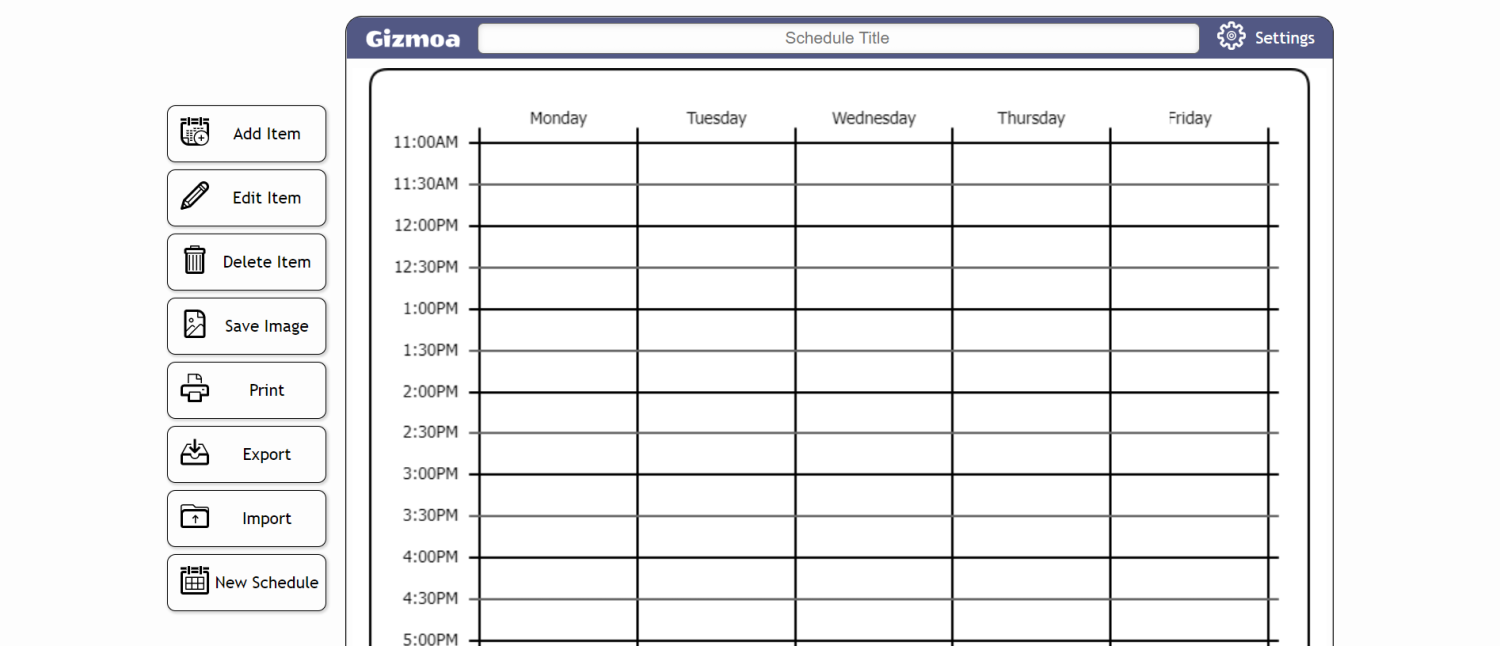
Image source: Geekflare
If you need to build your class schedule immediately, your choice depends entirely on your primary goal:
Building a college schedule is no longer just about finding open time slots on a grid. In 2026, the modern student faces a complex web of hybrid classes, asynchronous lectures, and digital assignments scattered across multiple learning management systems. Relying on a basic spreadsheet or a piece of scratch paper is a guaranteed way to miss deadlines, double-book your study time, or burn out by midterms.
A dedicated college schedule maker acts as the central nervous system for your academic life. It helps you visualize your week, calculate your true free time, and strategically place your most difficult courses during your peak energy hours. Whether you are an incoming freshman trying to balance 15 credit hours or a senior commuting across a massive campus, choosing the right digital planner is the first and most important assignment of your semester.
The difference between a stressful semester and a manageable one often comes down to visual organization. When you can see your entire week laid out in front of you, abstract concepts like "I have a lot of homework" turn into concrete action plans like "I have a three-hour gap on Tuesday afternoon to finish my lab report."
This concept is backed by hard data. According to the American Time Use Survey (ATUS) provided by the Bureau of Labor Statistics, the "Planning ROI" (Return on Investment) is massive. Spending just 10 minutes planning your day can save you up to two hours of lost time and wasted effort. When applied to a 16-week college semester, a properly built schedule can literally hand you back days of free time.
Furthermore, the landscape of student productivity tools has shifted dramatically. In previous years, students were forced to hand over their email addresses and personal data just to use a basic calendar tool. Today, there is a massive push toward privacy-first applications. Tools like ScheduleMaker.io have gained immense popularity simply because they operate on a "No Registration, No Data Reselling" model. You can build your schedule, export it, and leave without ever creating an account.
Simultaneously, the demand for Learning Management System (LMS) integration has skyrocketed. Students no longer want to manually type their syllabus into a calendar. They expect their schedule maker to talk directly to Canvas or Blackboard. Choosing a tool that aligns with these modern workflows will drastically reduce your cognitive load, allowing you to focus on learning rather than administrative data entry.
Because every student has a different workflow, there is no single "best" tool for everyone. A visual learner who wants a beautiful, color-coded printout for their dorm wall has entirely different needs than a data-driven engineering student who wants to track every minute of their study capacity. To help you decide, we have categorized the top platforms based on their primary strengths.
| Tool Name | Primary Strength | LMS Sync | Account Required | Best Student Persona |
|---|---|---|---|---|
| Coursicle | Course tracking & LMS integration | Yes (Canvas, Blackboard, etc.) | Yes (for advanced features) | The Connected Student |
| Shovel | Study time calculation | No | Yes | The Data-Driven Planner |
| Canva | Aesthetic design & printing | No | Yes | The Visual Organizer |
| ScheduleMaker.io | Speed and total privacy | No | No | The Privacy-Conscious User |
| Gizmoa | Simple drag-and-drop interface | No | No | The Minimalist |
If you are still unsure where to start, use this simple decision path:
Creating a schedule is only half the battle; maintaining it as the semester evolves is where most students fail. The most advanced strategy for 2026 is utilizing the "LMS-to-Schedule" workflow. Instead of treating your class schedule as a static image that never changes, you should treat it as a living document that updates alongside your coursework.
Coursicle is currently the industry leader in this space. It is one of the few platforms that syncs directly with major Learning Management Systems including Canvas, Blackboard, D2L Brightspace, Moodle, Sakai, and Google Classroom. By connecting your university account, Coursicle imports your assignments, quizzes, and reading deadlines directly onto your visual calendar. This bridges the critical gap between a class schedule (where you need to be) and a task schedule (what you need to do).
Many fast, account-free tools (like Gizmoa and ScheduleMaker.io) use "local browser storage" to save your schedule. This means your data lives in your specific web browser, not on a cloud server. If you clear your browser cache or cookies, your entire schedule will be permanently deleted.
To prevent this, you must use the tool's Export function:
Understanding data portability ensures you never have to rebuild your schedule from scratch halfway through the semester just because you cleared your internet history to fix a login glitch.
One of the biggest mistakes freshmen make is choosing their classes based entirely on the time of day. While it is tempting to build a schedule that lets you sleep in until noon every day, veteran students know that the quality of the instructor is far more important than the time of the lecture. A terrible professor at 1:00 PM will ruin your semester much faster than a fantastic professor at 8:00 AM.
To optimize your GPA, you need to employ the "RateMyProfessor Loop." This is a highly recommended workflow sourced from student communities on Reddit that combines schedule building with instructor vetting.
Do not lock in any class on your schedule maker until you have vetted the instructor. Open your schedule builder in one browser tab, and open RateMyProfessor in a second tab. As you search for required courses (like Biology 101), look at all the available sections. Before dragging a section onto your calendar, cross-reference the professor's name.
If a professor has a reputation for being a "GPA-killer" (e.g., they assign excessive busywork, refuse to curve exams, or have a heavy accent that makes lectures difficult to follow), skip that time slot. It is almost always worth rearranging your entire week—even if it means taking an early morning class—to secure a professor who is known for clear grading rubrics and engaging lectures.
Before you spend hours manually building a schedule on a third-party site, check your university's internal student portal. Many colleges now license proprietary software (often branded as "Schedule Wizard," "WolverineTrack," or "Schedule Builder"). These internal tools allow you to input the courses you need, and the software will automatically generate dozens of possible schedule permutations. More importantly, these internal tools usually feature a "One-Click Registration" button that instantly enrolls you in the classes, bypassing the stressful rush of manual registration morning.
A visual schedule often creates a false sense of security. When you look at a grid and see empty white space between classes, you might assume you have plenty of time to study, work a part-time job, and socialize. This illusion leads to severe over-scheduling. To combat this, you must calculate your "Real Study Capacity."
The productivity app Shovel pioneered a methodology based on a simple mathematical reality: there are exactly 168 hours in a week. You cannot negotiate with this number. To find out how much time you actually have for homework, you must subtract your non-negotiable biological and logistical needs first.
Use this formula to determine your true availability: 168 Hours - Sleep - Classes - "Me Time" = Real Study Capacity.
The most critical boundary in this formula is what time management experts call "Awake Time." Sleep is not a luxury; it is a study superpower. You cannot retain complex information if you are chronically exhausted. Therefore, sleep should be the very first block you place on your schedule maker grid. If you commit to 8 hours of sleep per night, you immediately subtract 56 hours from your week.
Next, subtract your actual time in class (e.g., 15 hours). Then, subtract your "Me Time." This includes commuting, showering, eating meals, going to the gym, and basic socializing. Let's estimate this at 40 hours a week.
168 (Total) - 56 (Sleep) - 15 (Class) - 40 (Me Time) = 57 hours of Real Study Capacity.
While 57 hours sounds like a lot, it disappears quickly when you factor in the standard college expectation of studying two to three hours outside of class for every one hour spent in lecture. By mapping these boundaries visually on your schedule maker, you will instantly know if taking that extra 3-credit elective will push you past your breaking point.
Almost every schedule maker on the market allows you to change the color of your class blocks. However, most students use colors randomly—making their math class blue simply because they like blue. This is a missed opportunity. By applying a psychological color-coding framework, you can turn your schedule into a tool that actively reduces cognitive load and helps your brain process your day at a glance.
Instead of coding by subject, code by intensity and category. When you open your phone to check your schedule, the colors should instantly tell your nervous system what kind of energy is required for the next few hours.
By using this system, a quick glance at a "red-heavy" Tuesday tells you to pack extra snacks and prepare for a grueling day, while a "blue and green" Friday signals a relaxed end to the week.
When building a schedule on a digital grid, classes that end at 10:50 AM and start at 11:00 AM look perfectly fine. They fit neatly next to each other. However, the digital grid does not account for the physical reality of a 500-acre university campus.
According to data and user behavior analyzed by Coursicle, a 15-minute buffer is the optimal window for students to transition between classes without triggering a stress response. Ten minutes is rarely enough time to pack up your laptop, navigate crowded hallways, walk across campus in the rain or snow, use the restroom, and find a seat before the next professor begins speaking.
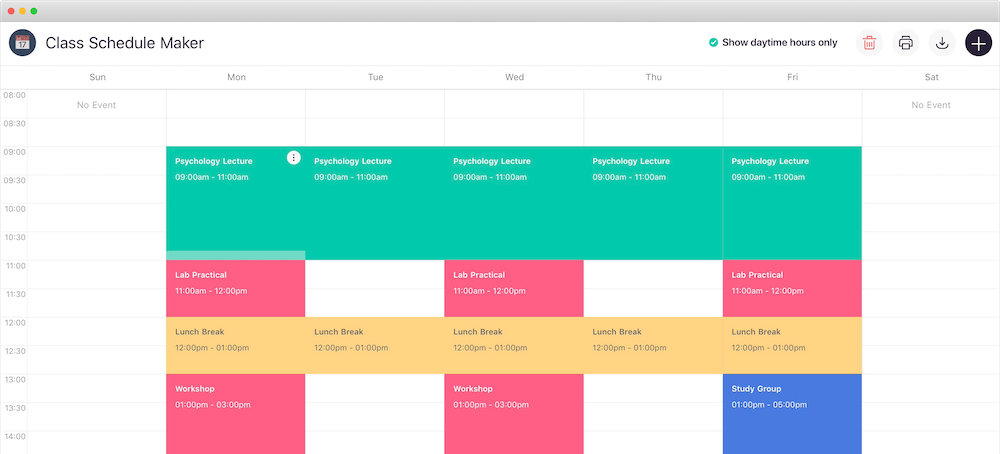
If you are a commuter student, this rule is even more critical. You must factor in the time it takes to find parking, wait for campus shuttle buses, and walk from remote lots. When using a schedule maker, manually insert a 15-minute "Transit" block between back-to-back classes. If the tool you are using has a mobile app (like Coursicle for iOS and Android), configure the push notifications to trigger a "countdown to next class" alert exactly 15 minutes before the lecture begins. This automated reminder ensures you never lose track of time while studying in the library.
While digital apps are excellent for dynamic tracking, there is significant value in having a physical, printed schedule. Taping a beautifully designed schedule to your dorm room wall or slipping it into the clear cover of your main binder provides a constant, passive reminder of your routine without requiring you to unlock a screen and get distracted by notifications.
For students who prioritize design, Canva is the undisputed champion of aesthetic schedule making. Unlike data-heavy tools that lock you into a rigid grid, Canva operates as a free-form design canvas. It caters specifically to the "Pinterest-worthy" aesthetic, allowing you to build a schedule that reflects your personal style.
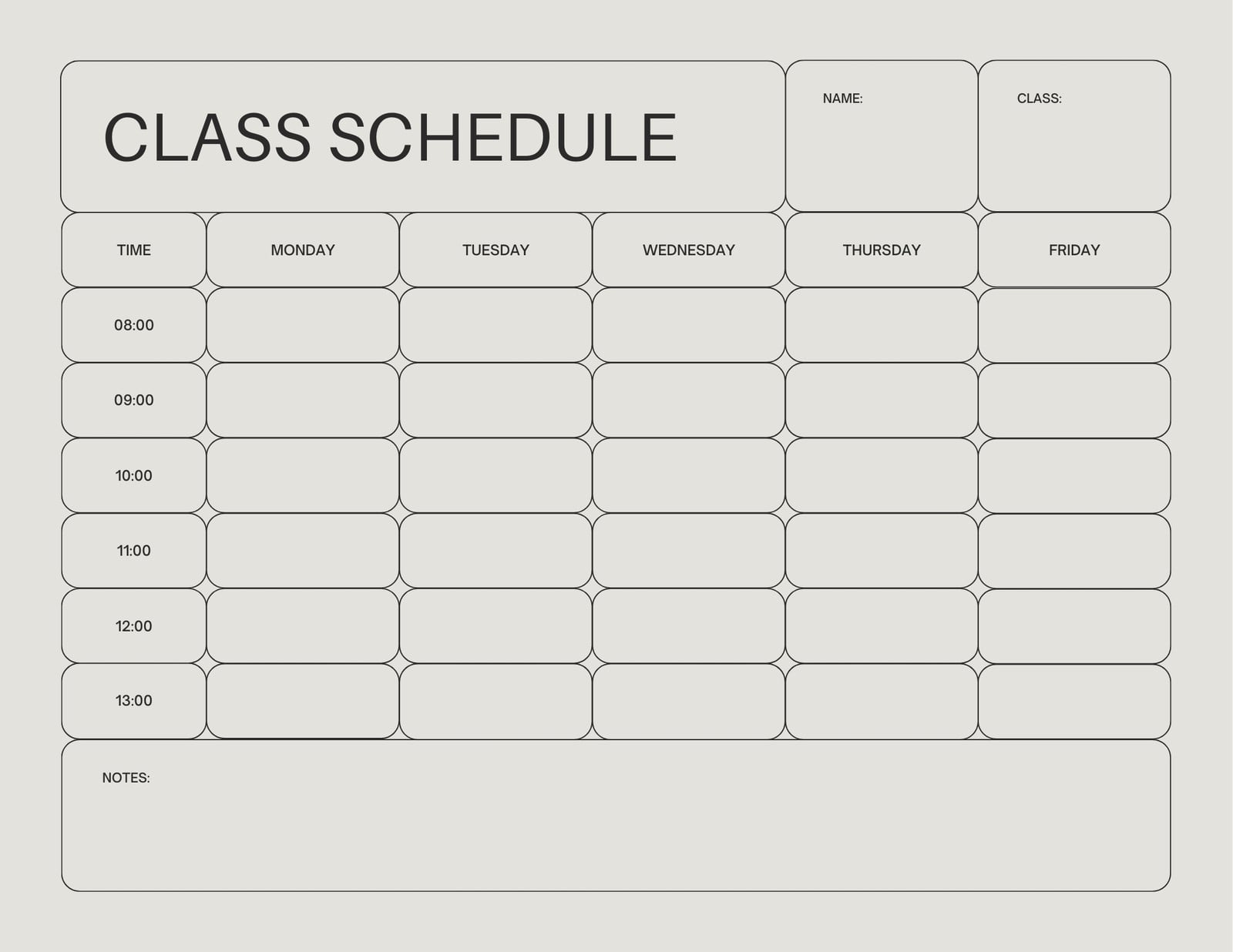
When creating a printable schedule, you must ensure the dimensions are correct before you start designing. Standard printable schedules should be set to 8.5 x 11 inches in a landscape (horizontal) orientation. This ensures the grid prints perfectly on standard US Letter paper without awkward margins or cut-off text.
Canva provides access to a library of over 2 million images, icons, and graphics. You can upload your university's logo, use your sorority or fraternity colors, and add motivational quotes to the margins. Once your design is complete, export it as a high-quality PDF Print file. This format preserves the crispness of the text and the vibrancy of the colors, ensuring your schedule looks just as good on paper as it does on your screen.
Start by identifying your non-negotiable required courses for your major and placing them on the grid first, as these often have limited sections. Next, block out your sleep and meal times to establish healthy boundaries. Finally, fill in the remaining gaps with your elective courses, trying to align them with your peak energy hours (e.g., morning vs. afternoon). Always check professor ratings before finalizing your choices.
The best free app depends on your needs. Coursicle is widely considered the best overall for its ability to sync with university LMS platforms and its mobile app reminders. However, if you want a completely private experience without creating an account, ScheduleMaker.io is the best free alternative. For highly visual, printable designs, Canva's free tier offers the most customization.
Yes, most modern schedule makers allow you to export your data to external calendar apps. Look for an "Export" or "Share" button in the tool's menu, and select the option to download an iCal or .ics file. You can then open Google Calendar, go to your settings, and import that file to instantly populate your classes alongside your personal events.
Most universities recommend that freshmen take between 12 and 15 credit hours during their first semester. Twelve credits is typically the minimum required to maintain full-time student status (which affects financial aid and housing). Taking 15 credits keeps you on track to graduate in four years. Avoid taking 18 credits your first semester, as you need time to adjust to the rigorous study-to-class ratio expected in college.
Data safety varies by platform. The current trend in 2026 favors "No Registration" tools like ScheduleMaker.io, which store your schedule locally on your browser and explicitly state they do not resell data. If you use an app that requires an account (like Coursicle or Shovel), your data is stored on their servers. Always review the privacy policy to ensure the platform does not share your email or schedule data with third-party marketers.
A well-crafted college schedule is much more than a list of room numbers and start times; it is a strategic blueprint for your academic success and mental well-being. By moving beyond basic grids and utilizing modern tools that integrate with your digital life, you can reclaim hours of lost time and approach your coursework with clarity.
To ensure your semester starts smoothly, keep these core strategies in mind as you build your calendar: