How to Build a Knowledge Base Content Audit Review Cycle That Actually Works
A successful knowledge base (KB) review cycle moves from reactive updates to proactive governance. By implementing a tiered review schedule (90/180/365 days), leveraging AI-assisted visual auditing, and using a Helpfulness Matrix to prioritize rewrites, organizations can significantly reduce "knowledge rot." This structured approach ensures that high-stakes documentation remains accurate while minimizing the manual burden on subject matter experts.
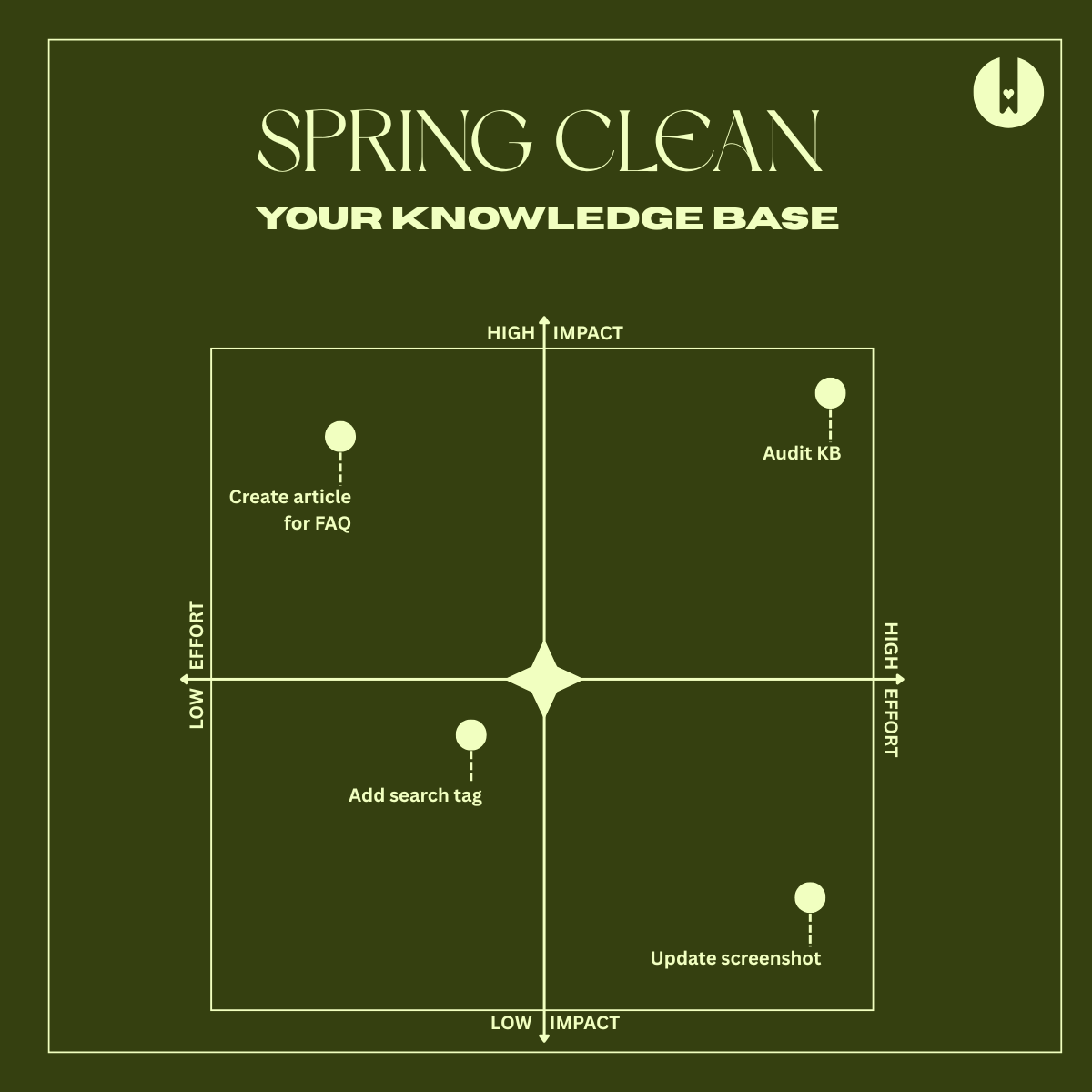
Image source: HelpDocs Bookmarked
Why Your Knowledge Base Is Losing Money Every Day
In the modern enterprise, information is the primary currency. However, when that information becomes outdated, it transforms from an asset into a significant liability. This phenomenon, often called "Knowledge Rot," occurs when documentation fails to keep pace with product updates, policy changes, or user needs. The financial implications are staggering: research suggests that outdated documentation can cost high-tech companies over $500,000 annually in lost efficiency and support overhead.
The drain on productivity is equally concerning. According to data from McKinsey, employees spend approximately 20% of their workweek simply searching for internal information. When that information is incorrect or missing, that time is not just spent—it is wasted. Furthermore, subject matter experts (SMEs) often find themselves trapped in a cycle of answering the same questions repeatedly because the "official" documentation is no longer trusted. Estimates indicate SMEs lose up to 6 hours weekly on these repetitive tasks, pulling them away from high-value innovation.
To solve this, teams must transition from "reactive fixing"—updating an article only when a customer complains—to a "proactive governance cycle." This shift ensures that the knowledge base remains a reliable "single source of truth," reducing support ticket volume and improving the overall customer experience. A well-executed audit cycle is not a one-time project; it is an ongoing operating system for your company’s intellectual property.
What Is the Difference Between a Content Inventory and an Audit?
Before building a review cycle, it is essential to distinguish between two foundational activities: the inventory and the audit. While often used interchangeably, they serve distinct purposes in the governance framework. According to the Nielsen Norman Group, an inventory is quantitative, while an audit is qualitative.
The Content Inventory
A quantitative list of every asset in your system. It includes URLs, file types, authors, last updated dates, and meta tags. Think of this as the "map" of your knowledge territory.
The Content Audit
A qualitative evaluation of those assets. It assesses accuracy, clarity, tone of voice, and helpfulness. This is the "compass" that tells you if your content is heading in the right direction.
You cannot improve what you haven't mapped. The inventory provides the raw data needed to identify duplicates and broken links, while the audit provides the insights needed to rewrite confusing instructions or archive obsolete features. A modern review cycle integrates both, using automated tools to maintain the inventory and human expertise to conduct the audit.
How to Set Up a Tiered Content Review Schedule
One of the most common reasons knowledge base audits fail is "meeting fatigue" or the "mountain of work" effect. When a team attempts to audit 1,000 articles simultaneously, the quality of review inevitably drops. Instead, a top-tier strategy involves a tiered review schedule based on content volatility and traffic.
| Tier Level | Frequency | Priority | Typical Content Types |
|---|---|---|---|
| Tier 1: Critical | Every 90 Days | High | API docs, Pricing, Security policies, Legal compliance. |
| Tier 2: Core | Every 180 Days | Medium | "Getting Started" guides, Top 10 FAQs, Core product features. |
| Tier 3: Stable | Annually | Low | Company history, Legacy troubleshooting, Culture pages. |
Tier 1: Critical and High-Volatility Content
These articles are the "high-stakes" areas of your knowledge base. If an API endpoint changes or a pricing tier is updated, and the documentation doesn't reflect it, the result is immediate customer frustration or legal risk. These should be reviewed quarterly to ensure absolute accuracy.
Tier 2: High-Traffic and Instructional Content
This tier includes your most-visited pages. Even if the product hasn't changed significantly, these articles should be reviewed every six months to ensure the screenshots are still current and the language remains clear for new users. High traffic means even small improvements in clarity can lead to massive gains in support deflection.
Tier 3: Stable and Low-Traffic Content
Not every article needs constant attention. General company information or troubleshooting for features that are rarely updated can safely move to an annual review cycle. This prevents the "audit mountain" from growing too high and allows the team to focus their energy where it matters most.
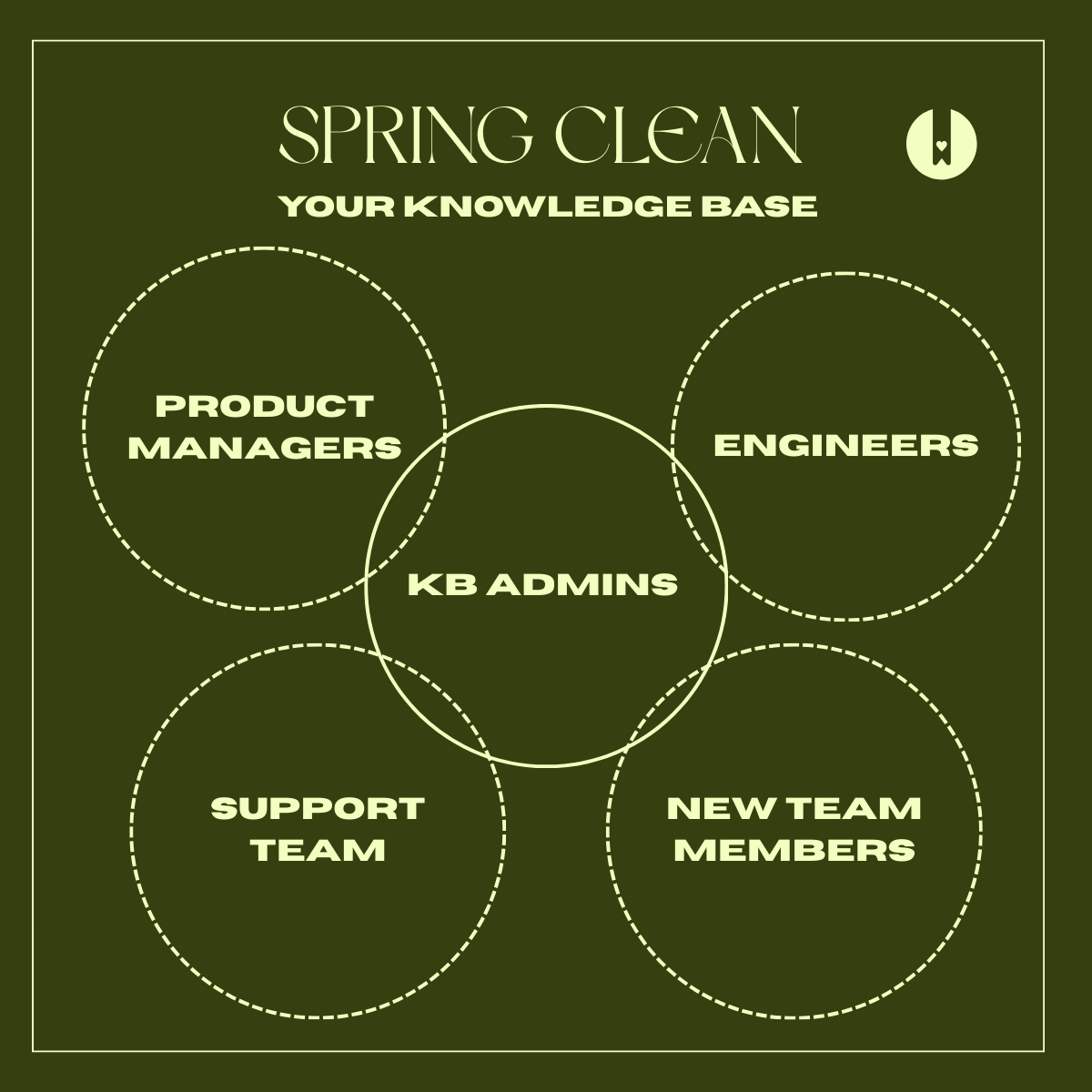
Image source: HelpDocs Bookmarked
A Step-by-Step Workflow for Your Next Content Audit
To move from theory to action, follow this four-step workflow. This process is designed to be repeatable and scalable, whether you are managing 50 articles or 5,000.
Step 1: The Automated Inventory
Start by using a crawler or your KB’s native reporting tools to generate a list of all active pages. Look specifically for technical red flags: non-200 HTTP responses (broken links), missing canonical tags, and duplicate H1 headings. This technical cleanup should happen before any human eyes touch the content.
Step 2: The Helpfulness Matrix
Categorize your articles using a 2x2 grid of Traffic (High/Low) vs. Helpfulness (High/Low). Helpfulness is typically measured by user ratings ("Was this helpful? Yes/No").
- High Traffic + Low Helpfulness: This is your Priority 1. These articles are seen by many but help few. Rewrite these immediately.
- Low Traffic + Low Helpfulness: These are candidates for deletion or consolidation. They are taking up "digital space" without providing value.
- High Traffic + High Helpfulness: These are your "Golden Articles." Protect them and use them as templates for other content.
Step 3: Assigning Ownership
A common pitfall is assuming the "Content Team" owns everything. In reality, accuracy requires SME involvement. Assign each article an "Owner" (responsible for the words) and a "Reviewer" (the SME responsible for the facts). Use "rolling audits" where owners are notified of their specific articles' review dates throughout the year, rather than all at once.
Step 4: The Action Phase
For every article audited, there are only four possible outcomes:
- Keep: The article is accurate and helpful. No changes needed.
- Update: The content needs minor tweaks, new screenshots, or updated links.
- Archive: The feature no longer exists or the policy is obsolete.
- Consolidate: Two or three short, overlapping articles should be merged into one comprehensive guide.
How to Use AI and Automation to Speed Up Your Reviews
Manual auditing is time-consuming, but notably innovative technologies are making the process more efficient. One significant advancement is AI-assisted visual auditing. By using LLM vision models, teams can compare current product UI screenshots against the images in the knowledge base. If the buttons have changed color or the layout has shifted, the AI can flag "visual rot" automatically, saving hours of manual comparison.
Another technical strategy is Content Hashing. As discussed in the Retool community, developers can implement a system that generates a unique "hash" (a digital fingerprint) for the text of a page. If the code or text changes—even if the "Last Updated" metadata remains the same—the system flags the page for a technical QA review. This catches "silent updates" that manual audits often miss.
Finally, consider Video-to-Doc Auditing. Many companies have "hidden" knowledge in recorded Zoom training sessions or webinars. AI tools can now transcribe these sessions and compare the transcript against existing KB articles to identify gaps. If an SME explains a workaround in a video that isn't in the documentation, the system flags it as a content opportunity.
How to Measure the Success of Your Review Cycle
To justify the time spent on audits, you must track Key Performance Indicators (KPIs). A review cycle is only successful if it moves the needle on business objectives.
- Support Deflection Rate: Monitor if ticket volume drops for specific topics after an audit. If "How to Reset Password" tickets drop by 15% after a Tier 1 rewrite, you have clear ROI.
- Knowledge Freshness Score: This is the percentage of your KB that has been reviewed within its assigned tier window. Aim for >95% freshness.
- Helpfulness Trend: Track the ratio of "Yes" to "No" votes over time. A successful audit cycle should see a steady upward trend in user satisfaction.
Frequently Asked Questions
- How often should a knowledge base be audited?
- A hybrid tiered approach is widely considered one of the best methods. Critical content (Tier 1) should be reviewed every 90 days, while core instructional content (Tier 2) can be reviewed every 180 days. Stable, low-traffic content (Tier 3) typically only requires an annual check.
- Who should be responsible for reviewing knowledge base articles?
- Responsibility should be shared. A Content Owner (often in Support or Product Marketing) manages the clarity and SEO, while a Subject Matter Expert (SME) from Engineering or Product ensures technical accuracy. This "two-key" system prevents errors.
- What is a top-tier tool for a content audit?
- While many teams start with spreadsheets, a more robust approach involves using the native "Review Date" triggers in KB platforms like HelpDocs or KnowledgeOwl. For technical audits, crawlers like Screaming Frog or custom scripts for content hashing are highly recommended.
- How do you handle "Meeting Fatigue" during audits?
- Avoid "all-hands" audit sessions. Instead, implement rolling audits where reviewers receive automated notifications for 2-3 articles per week. This integrates the audit into their existing workflow rather than making it a disruptive event.
- Should I delete low-traffic articles?
- Not necessarily. Some articles are "low traffic but high necessity," such as legal disclosures or rare error codes. Only delete content that is redundant, obsolete, or trivial (ROT). If it's necessary but low traffic, consider consolidating it into a larger guide.
The Bottom Line
Building a sustainable review cycle is the difference between a knowledge base that scales and one that becomes a graveyard of outdated information. To succeed, remember these key takeaways:
- Knowledge rot is expensive, costing large firms hundreds of thousands in lost productivity and support overhead.
- Use a tiered schedule (90/180/365 days) to prioritize high-stakes documentation over static pages.
- Distinguish between inventory and audit; you need the quantitative map and the qualitative compass.
- Leverage the Helpfulness Matrix to identify Priority 1 rewrites (High Traffic + Low Helpfulness).
- Automate where possible using content hashing and AI vision models to catch UI changes.
- Track the Freshness Score as a primary KPI to ensure your governance remains on track.
Start your journey tomorrow by generating a simple inventory of your top 50 most-visited articles and checking their "Last Updated" dates.